What Does "Monthly Limit Reached" Mean in Mezzi AI Chat?
Last updated: September 30, 2026
Overview
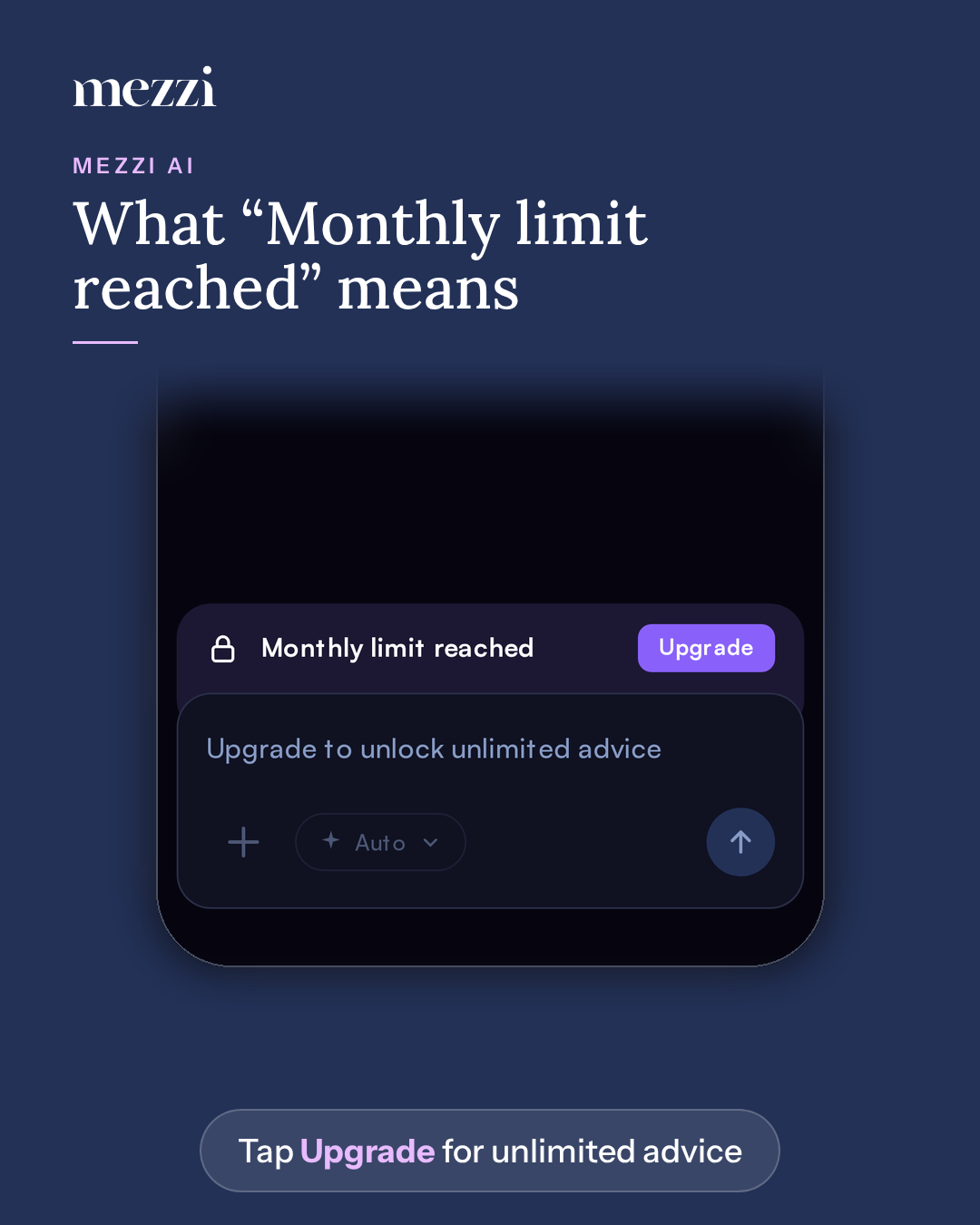
Monthly limit reached means you've used all the Mezzi AI questions included with the free plan for now. While it shows, you can't send new questions or attach files, but you can still open your chat history. To keep asking, tap Upgrade. The Advisory and Concierge plans include unlimited AI advice.
📌 What You Need to Know
How the free allowance works: the free plan includes a set number of AI questions in a rolling 30-day window, which starts with your first question.
What you'll see as you get close: when you have only a couple of questions left, a bar above the chat box reads Approaching AI insights limit. You can keep chatting until the allowance runs out.
What you'll see when it runs out:
A bar with a lock icon reads Monthly limit reached, with an Upgrade button.
The chat box reads Upgrade to unlock unlimited advice, and the chat controls are dimmed.
What still works: opening your chat history, stopping an answer that's already in progress, and removing a file you'd already attached.
What removes the limit: upgrading to Advisory or Concierge. After you subscribe, you can send the question you were trying to ask. See Mezzi Membership Plans.
Important Notes
If you collaborate on someone else's account and they're on a paid plan, you aren't subject to this limit.
Everything outside of AI chat, like your net worth, allocation, X-Ray, and account connections, keeps working on the free plan.
🗨 Still Need Help?
If you see Monthly limit reached on a paid plan, email help@mezzi.com with a screenshot and the email address on your account.