How to Verify Your Email Address
Last updated: October 6, 2026
Overview
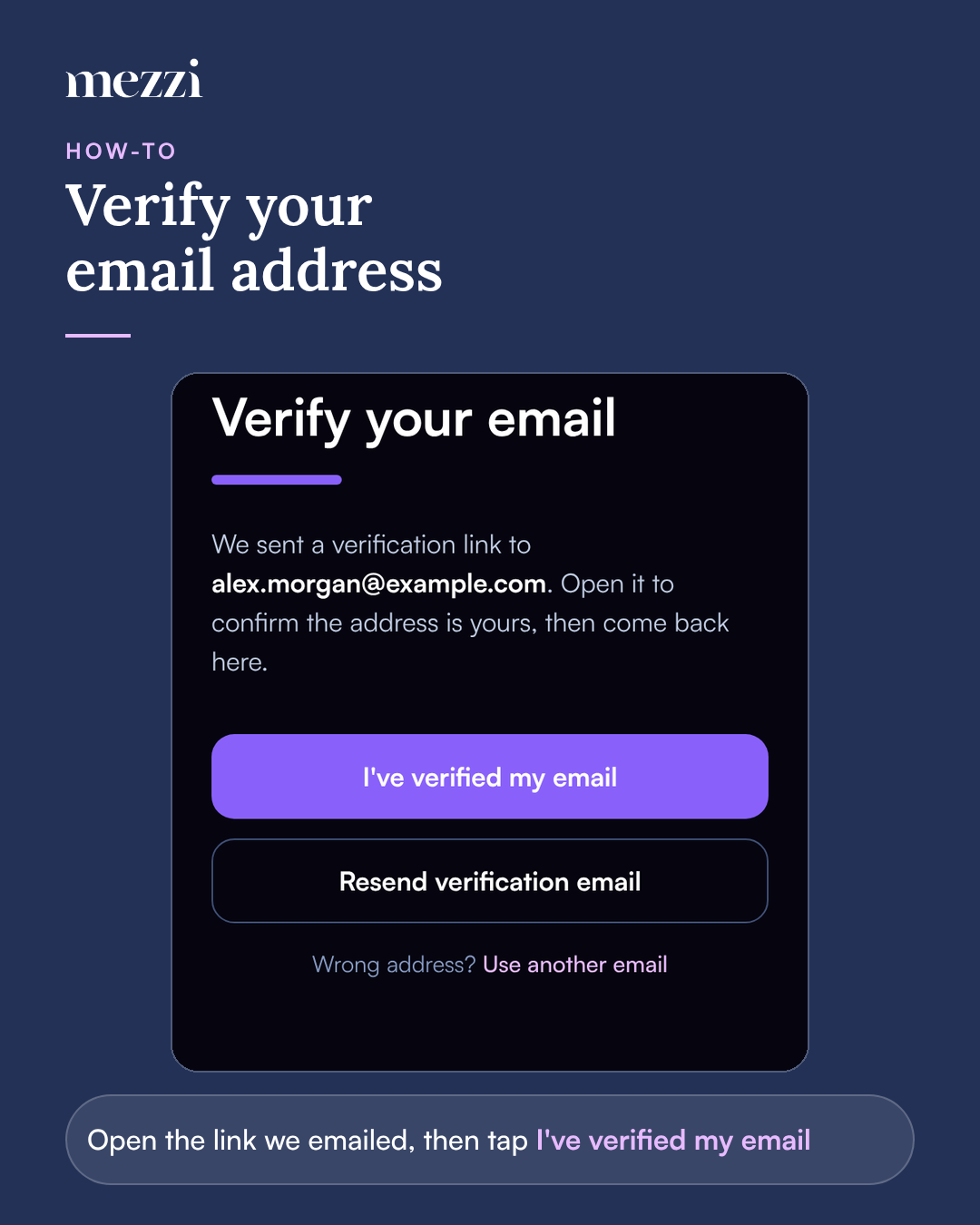
After you sign up with email, Mezzi sends a verification link to your address. Open the link, then go back to Mezzi and tap I've verified my email. If the email doesn't arrive within a few minutes, check your spam folder and tap Resend verification email.
🧭 How to Verify Your Email Address
Open the verification email from Mezzi.
Click the link in the email.
Go back to Mezzi and tap I've verified my email.
💡 Why This Matters
It confirms the account is yours. Password reset links and security alerts go to this address, so it needs to be one you can reach.
It's required for two-factor authentication. You can't add a two-factor method until your email is verified.
Important Notes
Didn't get the email? Check your spam folder, then tap Resend verification email. If you've asked for several emails in a row, you'll need to wait before you can request another.
Typed the wrong address? Tap Use another email and sign up again with the right one.
"We haven't seen that link opened yet." Mezzi hasn't registered the verification. Open the link from the most recent email, then tap I've verified my email again.
Link expired or already used? Request a new email. Each link works once.
"That link was for a different account." You're signed in to Mezzi with another email address. Open the link sent to the address you're signed in with.
🗨 Still Need Help?
Email help@mezzi.com, or text or call (415) 763-6997. Include the email address you signed up with and the exact message you see.