How to Copy, Print, or Email a Mezzi AI Chat
Last updated: October 6, 2026
Overview
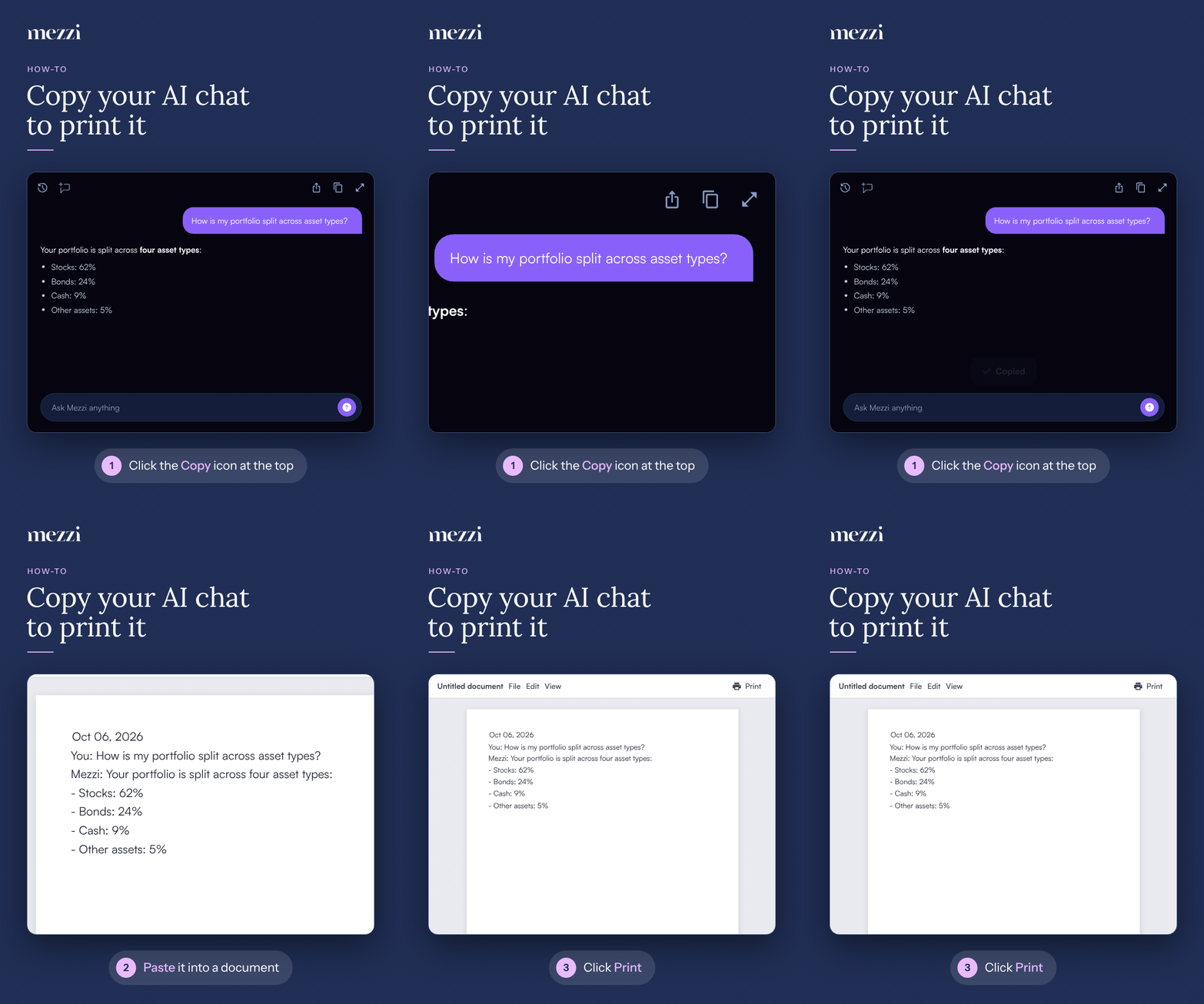
Mezzi AI chat doesn't have a print button. To print a chat, click the Copy icon at the top of the chat to copy the whole conversation, paste it into a document such as Word or Google Docs, and print from there. To send a chat by email instead, click the Share icon at the top of the chat.
🧭 How to Print a Mezzi AI Chat
Open the chat in Mezzi AI.
Click the Copy icon at the top of the chat. You'll see Copied at the bottom of the screen.
Paste the chat into a document, such as Word, Google Docs, or Pages.
Print from your document app.
📧 How to Email a Mezzi AI Chat
Open the chat in Mezzi AI.
Click the Share icon at the top of the chat.
Choose email, or another app, and send it. On the iPhone app, this opens your phone's share options.
💡 Why This Matters
A copied or emailed chat is an easy way to keep a record of Mezzi AI's analysis or bring it to your CPA, advisor, or spouse.
Copy just the part you need
One answer: click the Copy icon under that response, next to the thumbs up and thumbs down.
A table: click the copy button on the table itself. It pastes neatly into a spreadsheet like Excel or Google Sheets.
Important Notes
The Copy and Share icons appear once Mezzi AI has answered at least one question in the chat.
The copied chat starts with the date of the chat and labels each message with who sent it.
To find an older chat to copy, see How to Find and Search Your Past Mezzi AI Chats.
🗨 Still Need Help?
Email help@mezzi.com or text/call (415) 763-6997 with the device you're using (web or iPhone app) and a screenshot of the chat screen.