How Does Email and Password Sign-In Work in Mezzi?
Last updated: October 6, 2026
Overview
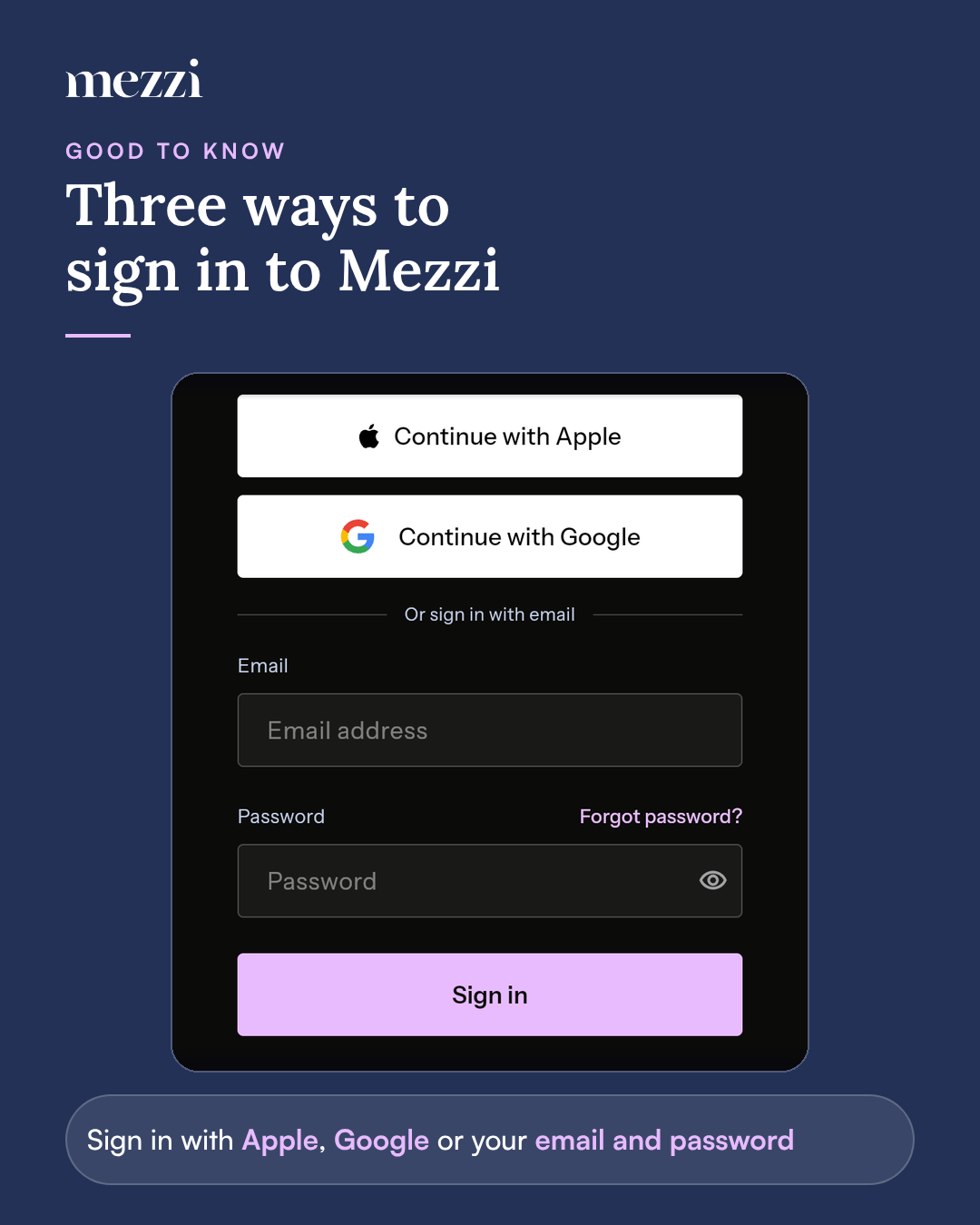
Mezzi accounts can sign in one of three ways: with an email address and password, with Apple, or with Google. An email and password account is protected by a password you choose, a verified email address, and optional two-factor authentication. Apple and Google accounts don't have a Mezzi password; they're protected by your Apple or Google account's security.
📌 What You Need to Know
Your email address is your username. You sign in with the email address you signed up with and your Mezzi password.
Passwords must be at least 8 characters and include a letter and a number.
Your email address must be verified. After you sign up, we send a link to confirm the address is yours. Password reset links and security alerts go to this address, so it needs to be one you can reach.
You can add two-factor authentication. Email and password accounts can add a second step at sign-in: a 6-digit code from a text message or an authenticator app. Two-factor authentication isn't available in Mezzi for Apple or Google accounts.
We email you about important account activity. Mezzi sends an email when:
You sign up and need to verify your email address
You ask to reset your password
Your password is changed
Your account is signed in on a new device
If you didn't make the change or sign-in, the email lets you sign out of Mezzi on every device and reset your password.
Forgetting your password doesn't lock you out. You can reset it anytime from the sign-in screen with a link sent to your email.
Important Notes
One email, one sign-in method. If your account was created with Apple or Google, keep signing in that way. Signing up with email using the same address shows "An account with that email already exists."
Change password and two-factor authentication appear under Profile › Security and privacy only for email and password accounts.
Repeated failed attempts are paused for a short time to protect your account. Wait a few minutes and try again.